Key points
Multiple locations need one product and stock model, not one spreadsheet per store.
Stock accuracy depends on recording every sale, return, receipt, transfer, and adjustment.
ERP inventory keeps availability connected to POS, eCommerce, marketplace, and fulfilment workflows.
What inventory management for multiple locations really means
Inventory management for multiple locations is the discipline of keeping stock accurate across stores, warehouses, showrooms, vans, and fulfilment locations. The difficult part is not listing locations. The difficult part is making every stock-changing event update the same operating record.
When each store keeps its own stock count, staff eventually stop trusting the numbers. A customer asks whether an item is available, a website accepts an order, or a warehouse starts picking, and the business has to phone around or check spreadsheets before acting.
Why disconnected POS inventory breaks down
Many POS systems can show stock on hand for one store. That is useful, but it is not enough once a business has online orders, transfers, account customers, multiple warehouses, or marketplace listings.
The stock number has to include context: what has sold, what is reserved, what is in transit, what has been received, what was adjusted during a stocktake, and which channels are allowed to sell it.
POS sales and web orders should reduce the same stock position.
Store transfers should be recorded as stock movements, not informal messages.
Stocktakes and adjustments should leave an audit trail.
Marketplace availability should come from ERP rules, not channel-specific guesses.
The ERP inventory model
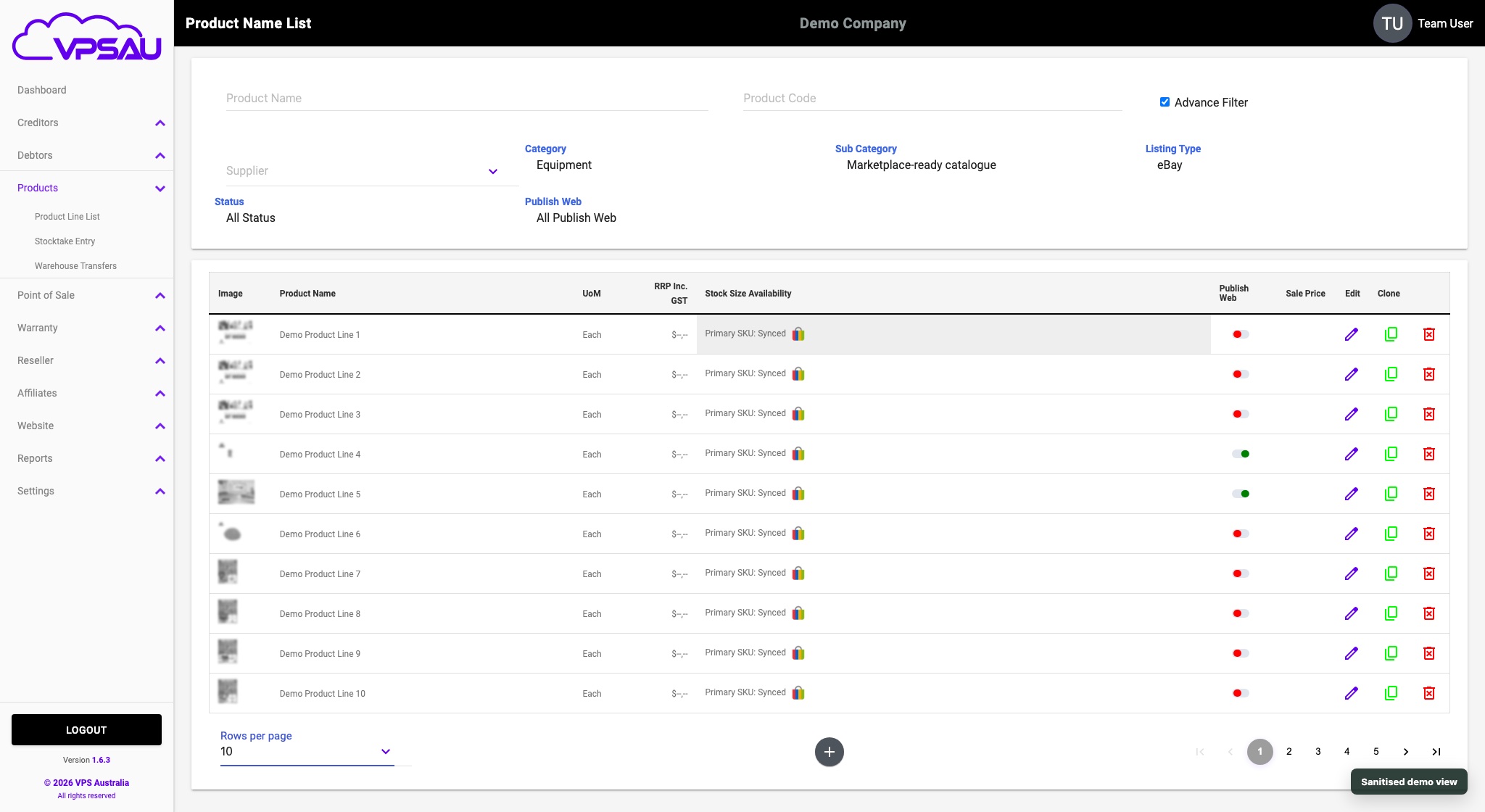
An ERP inventory model treats the product catalogue, location structure, stock movements, order commitments, receiving, transfers, and reporting as one system. That is why VPS Foundation Suite positions multi-location inventory as an ERP workflow rather than a standalone stock app.
The practical outcome is simple: staff can act from one stock truth, and management can see where inventory pressure is forming before it becomes a missed sale or oversell.
A useful implementation sequence
The safest path is to clean product data first, map locations second, import opening balances third, and then test every stock-changing workflow before automating reorder or channel rules.
That sequence avoids building automation on top of unreliable inventory data.
Clean product codes, variants, brands, and categories.
Define stores, warehouses, transfer lanes, and fulfilment locations.
Import opening stock balances by location.
Test sales, returns, receiving, transfers, adjustments, and online availability.
Add reporting, reorder points, and marketplace publishing rules once stock is trusted.