Key points
Treat every store, warehouse, and website as part of one stock model.
Use transfers, stocktakes, and reorder points as controlled workflows, not side notes.
Keep online availability governed by the ERP so growth does not create overselling.
The problem is not stock. It is disconnected stock records.
A retailer can have plenty of inventory and still lose sales because staff cannot trust where stock is available. POS systems, websites, marketplace listings, spreadsheets, and warehouse notes often drift apart until each channel tells a different story.
The fix is not another isolated inventory app. The fix is a single operating record where POS sales, web orders, warehouse movement, transfers, returns, and supplier receiving all update the same stock position.
Start with location structure before automation
Multi-location inventory works best when the business first defines how stock actually moves. That usually means stores, warehouses, transfer lanes, reorder responsibilities, and who is allowed to adjust stock.
Once that structure is clear, the system can enforce the process. Staff can request transfers, receive goods, count stock, and see availability without creating a second version of the truth.
Define each warehouse, store, van, or fulfilment location.
Use one product code and variant structure across every location.
Record transfers as operational documents, not informal notes.
Set stocktake and adjustment permissions so errors have an audit trail.
Where VPS Foundation Suite fits
VPS Foundation Suite keeps stock control inside the same ERP foundation as POS, eCommerce, debtor ordering, invoicing, picking, shipment tracking, and marketplace publishing. That matters because the real pressure is not only knowing stock on hand. It is knowing what work that stock is already committed to.
When a business is selling through counters, websites, account portals, and eBay or Amazon, the inventory system has to be part of the whole order lifecycle.
POS and web orders reduce the same stock position.
Warehouse transfers and stocktakes stay attached to operational history.
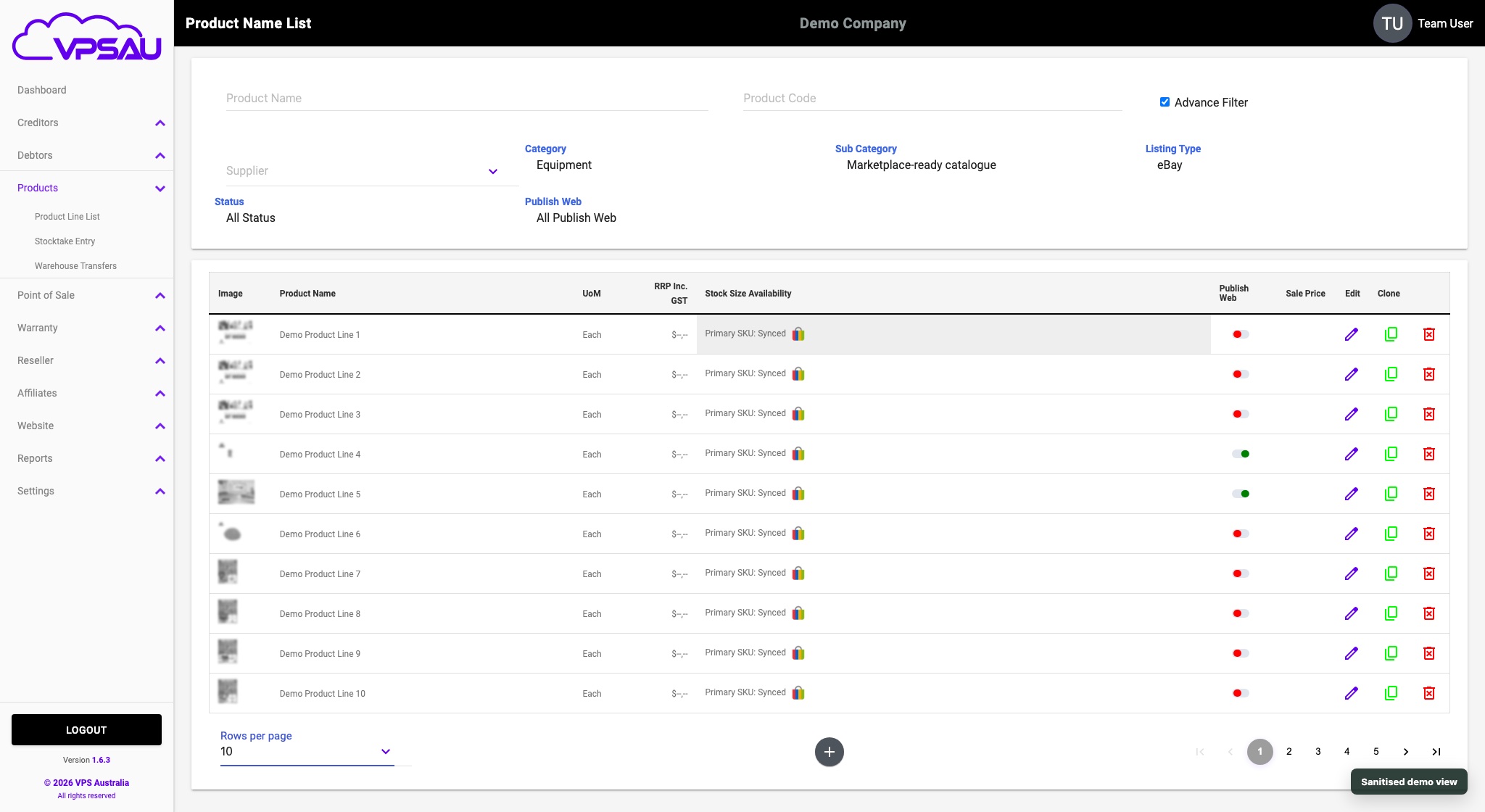
Marketplace availability can be governed from the ERP catalogue.
Managers can see stock pressure before it becomes customer disappointment.
A useful implementation path
The safest migration is staged. Clean product codes first, map locations second, import opening balances third, and only then automate reorder and publish rules. That order avoids building automation on top of messy data.
For growing retailers, this is usually the point where an ERP-first platform becomes more valuable than a simple POS with inventory features bolted on.
Audit products and variants.
Map locations and transfer flows.
Import opening stock balances.
Test sales, returns, transfers, receiving, and online availability.
Add reorder alerts and reporting once the data is trusted.