Key points
Migration is a data quality project before it is a software project.
Column mapping and preview stages reduce risk before import.
The right importer helps preserve old-system knowledge instead of forcing a blank start.
Why migrations fail
Most migrations fail because old data is messier than anyone expected. Product names are inconsistent, categories overlap, SKUs are missing, customer records are duplicated, and stock balances are not trusted.
A modern ERP implementation should not pretend this data is clean. It should provide a controlled way to inspect, map, review, and import it.
Use mapping before importing
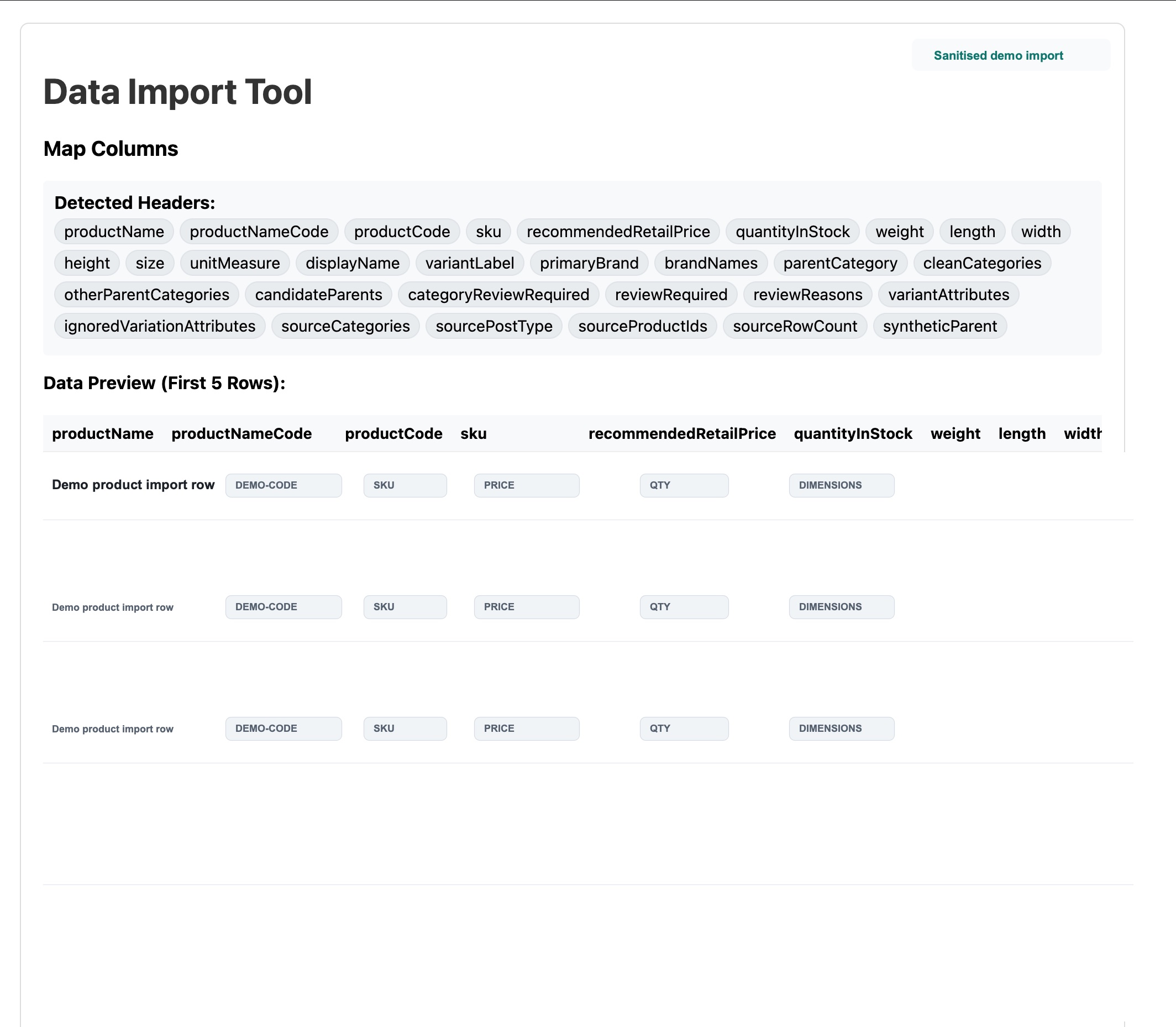
A good importer detects source headers, lets the team map columns to target fields, previews rows, and flags records that need review. That gives the business a chance to fix data problems before those problems enter the ERP.
For product-heavy businesses, this is especially important for variants, categories, brands, stock quantities, prices, weights, and product codes.
Detect source headers.
Map product, category, pricing, stock, and customer fields.
Preview sample rows before import.
Flag records for manual review where needed.
Keep import runs repeatable for testing and go-live.
VPS Foundation Suite migration advantage
VPS Foundation Suite includes a data importer so prospective tenants and existing businesses can bring old system data into the platform with less manual rebuilding.
This matters commercially because many businesses delay moving systems because they fear the migration, not because they love their current software.
The right conversation with a prospect
Ask what system they use now, where product and customer data lives, what spreadsheets staff depend on, and which records they cannot afford to lose.
That conversation turns migration from a scary unknown into a practical implementation path.