Commerce ERP data migration Australia
Move legacy business data into a modern commerce ERP.
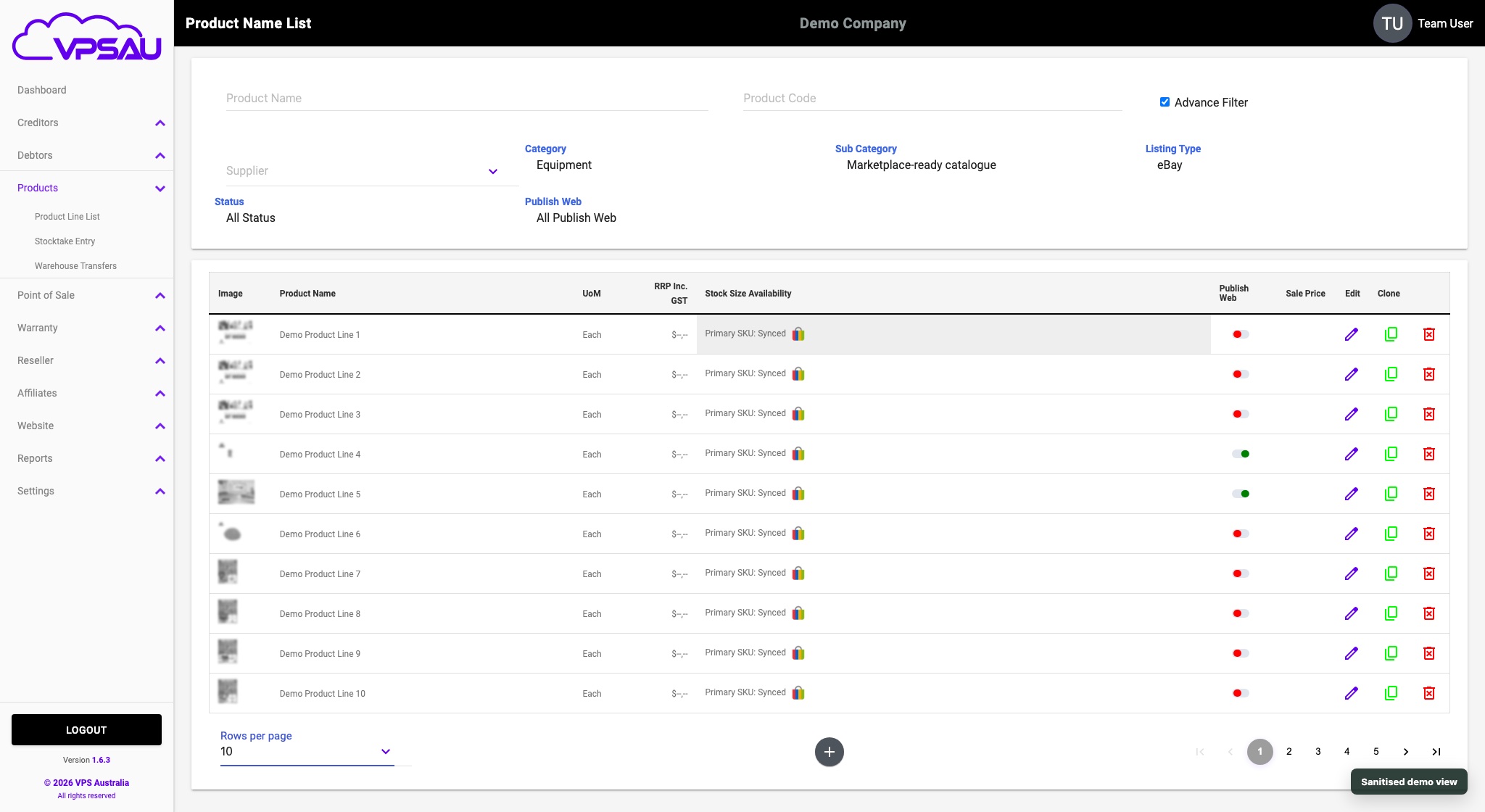
The VPS Foundation Suite data importer helps Australian businesses bring products, customers, stock, debtor records, and old-system data into a modern operating platform.
Importer workflow
Legacy data gets mapped before it becomes operational data.
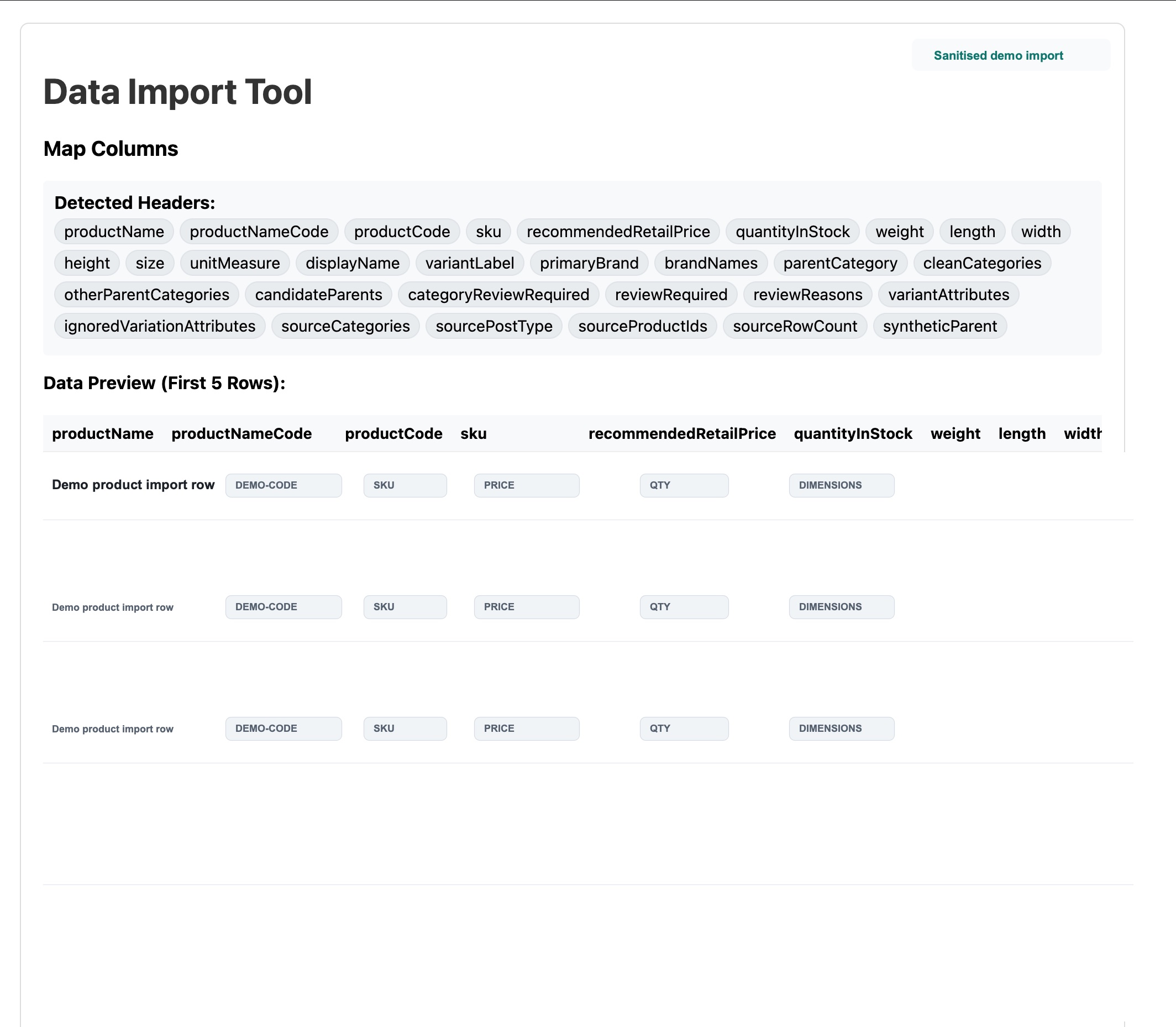
01 Detect columns
Inspect product, customer, stock, category, pricing, and source-system fields.
02 Map and review
Clean up headers, variants, categories, parent records, and review flags.
03 Import safely
Validate before launch so the new ERP starts with useful business data.
1
Review current systems
Identify what holds products, customers, orders, stock, debtor data, and pricing today.
2
Map operating rules
Understand what must carry forward and what should be cleaned up before launch.
3
Import and validate
Use importer workflows to bring data in and check it against the new structure.
4
Go live in stages
Prioritise the workflows that remove the most manual work first.
The right first step
Before software, map the workflow.
The strongest migration conversations start with the current order lifecycle: where orders come from, who touches them, what gets re-entered, and what fails when volume grows.
Useful preparation
- Current POS, website, marketplace, accounting, and inventory tools
- Approximate product, customer, debtor, and order counts
- Current pain points in invoicing, picking, stock, or trade ordering
- Any existing exports, spreadsheets, or database access options